
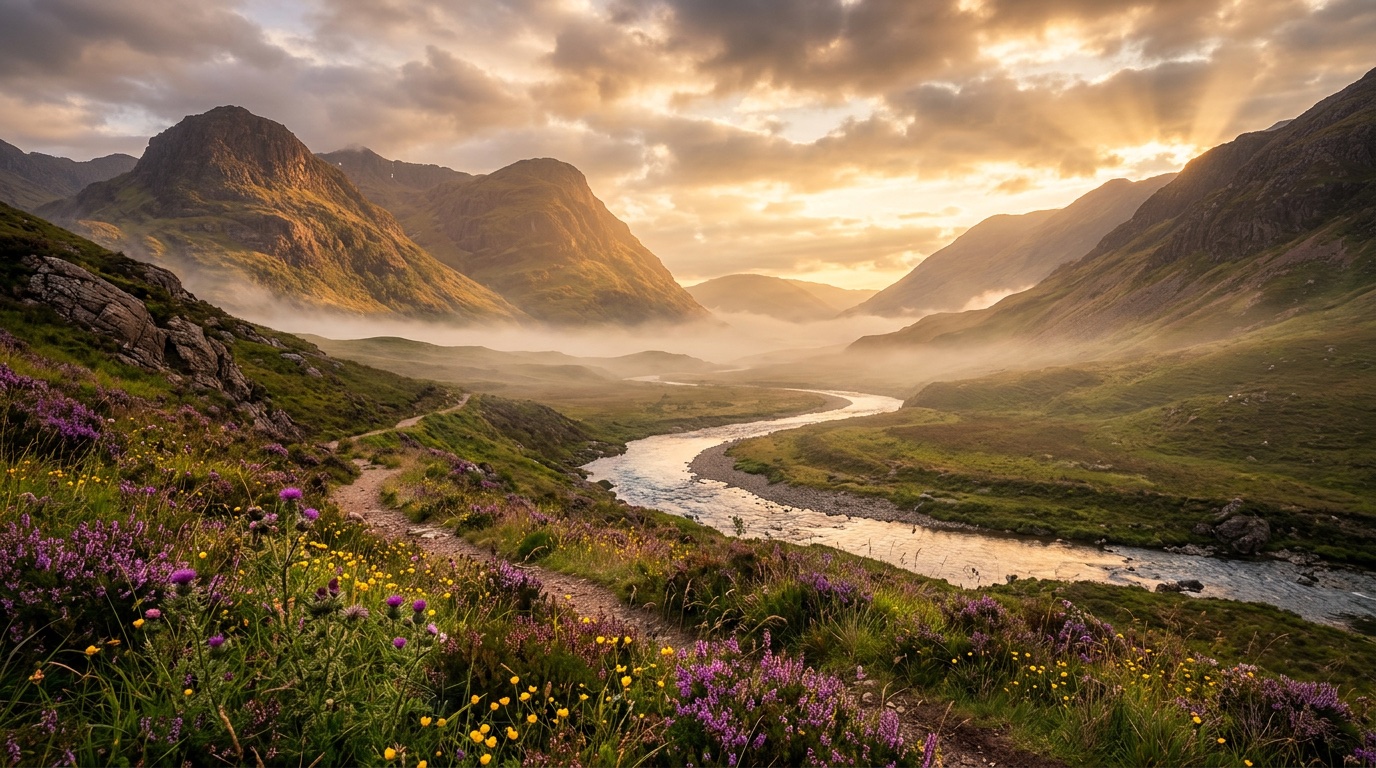
The words in an image prompt matter most, but a few settings make a big difference too. Use this as a quick reference.
Aspect ratios by use
- 1:1: profile pictures, product thumbnails, Instagram feed
- 4:5: Instagram portrait posts, product listings
- 2:3 or 3:4: posters, book covers, portraits
- 3:2: classic photography, blog images
- 16:9: YouTube thumbnails, presentations, website headers
- 9:16: Stories, Reels, TikTok, phone wallpapers
- 21:9: cinematic banners and wide landscapes
Choose the ratio before you write the prompt; composition depends on it. In Midjourney use --ar 16:9; in other tools pick the size or ratio option.
Describing style
Combine a medium (photo, watercolour, 3D render, vector, oil painting), a look (cinematic, minimalist, retro, editorial) and lighting (golden hour, soft studio light, neon). For photos, camera details such as “85mm lens, shallow depth of field” are a strong signal of realism.
Useful Midjourney parameters
--ar: aspect ratio--stylize: how much artistic interpretation (lower = closer to your words)--style raw: less default “beautification”, good for realism--chaos: more variety between the four results--no: things to exclude, e.g.--no text
Quality tips for any tool
- Describe the scene in full sentences rather than long keyword lists.
- Put the most important subject first.
- Keep text in images short and in quotes.
- Generate several options, then refine the best one instead of starting over.